

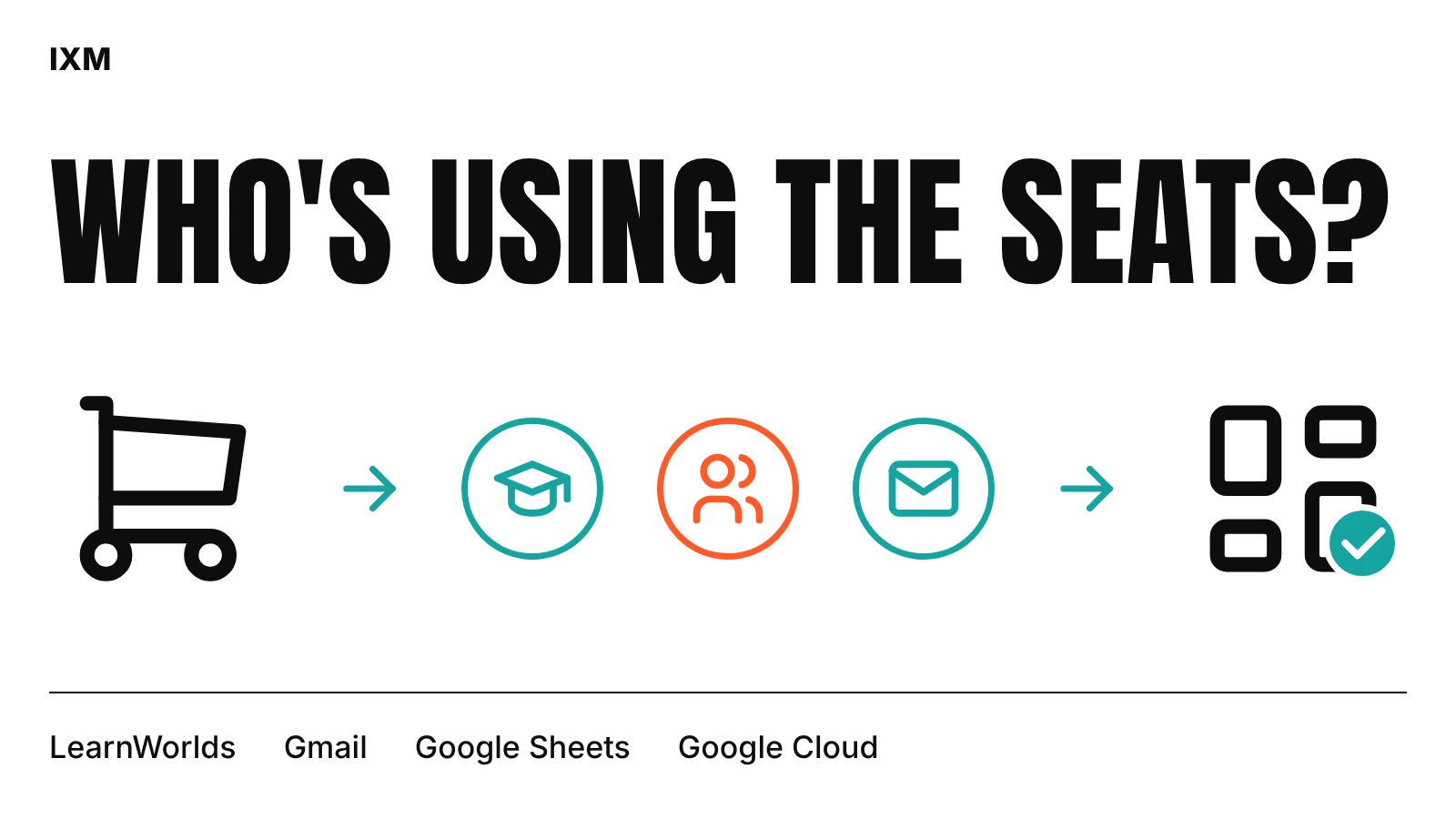
A sale isn't the end of a bulk order
When a school buys twenty seats, the work has only started. Someone at the school has to hand those seats to learners. The learners have to finish. Thirty days later, somebody should ask how it's going. If any of those steps stall, the school is unlikely to buy again.
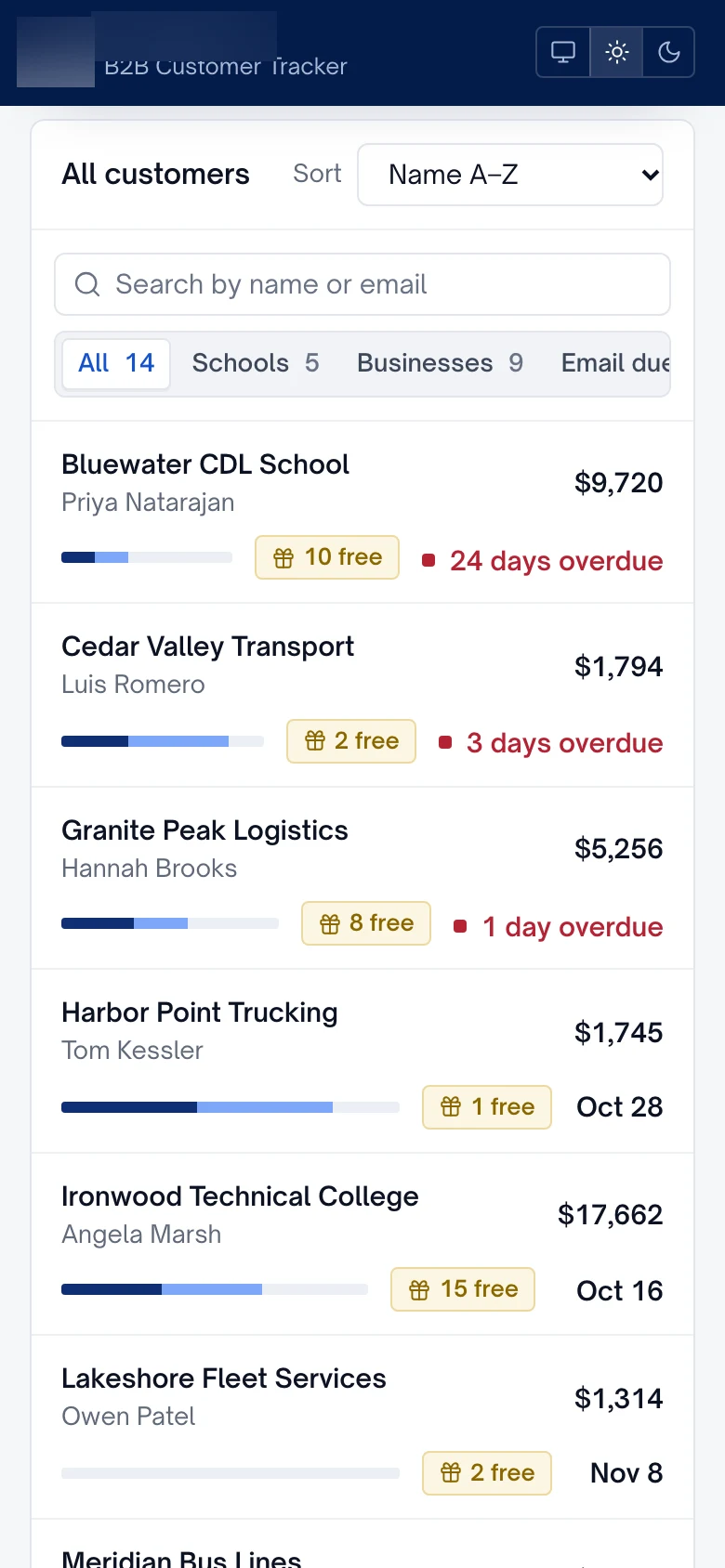
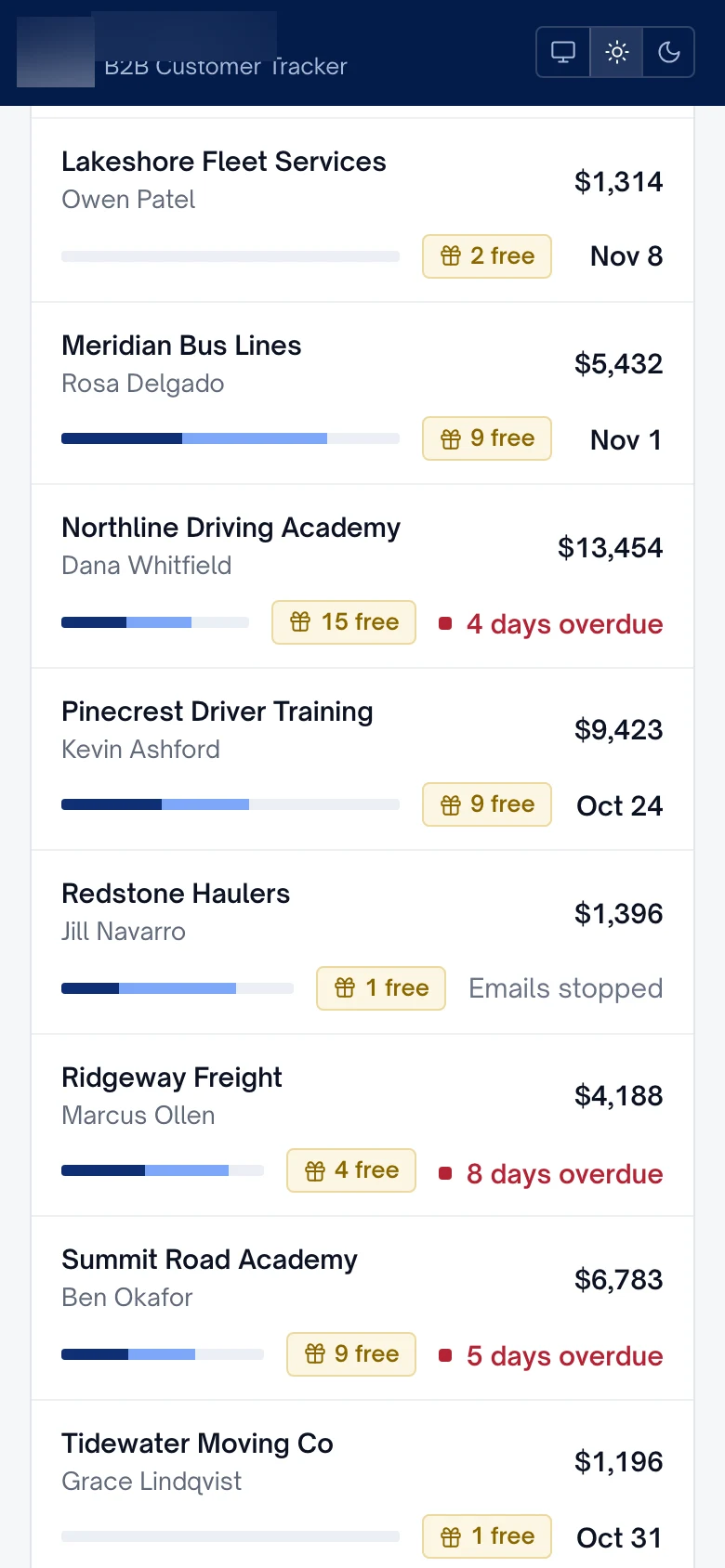
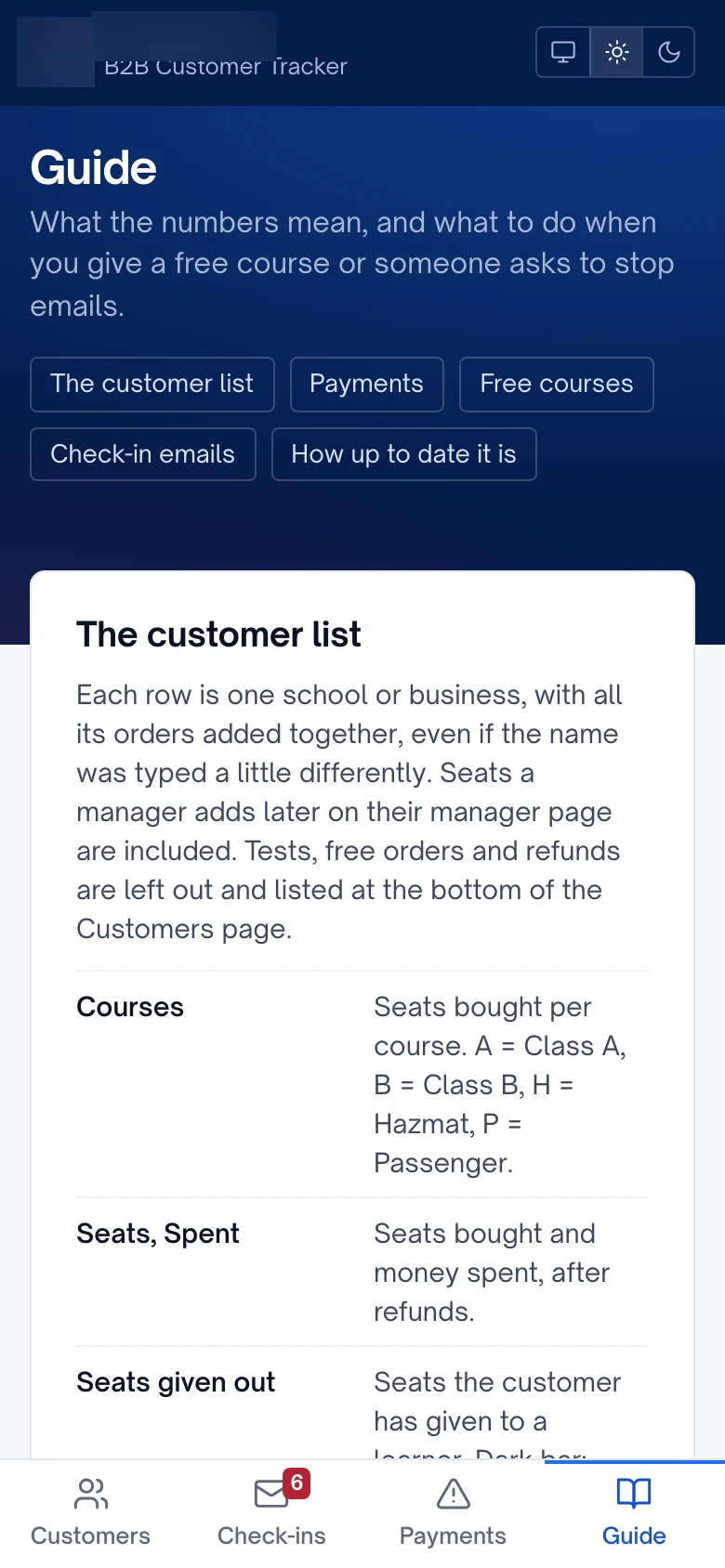
The business had none of that in one place. Checkout wrote each B2B order to a Google Sheet and posted an alert to the team chat. Course progress sat in LearnWorlds. Check-ins and volume deals weren't tracked at all. The tracker IXM built reads the order sheet, groups orders into one customer even when a school's name was typed three different ways, and leaves out test, free and refunded orders so the totals can be trusted.
Pull progress from LearnWorlds without slowing checkout
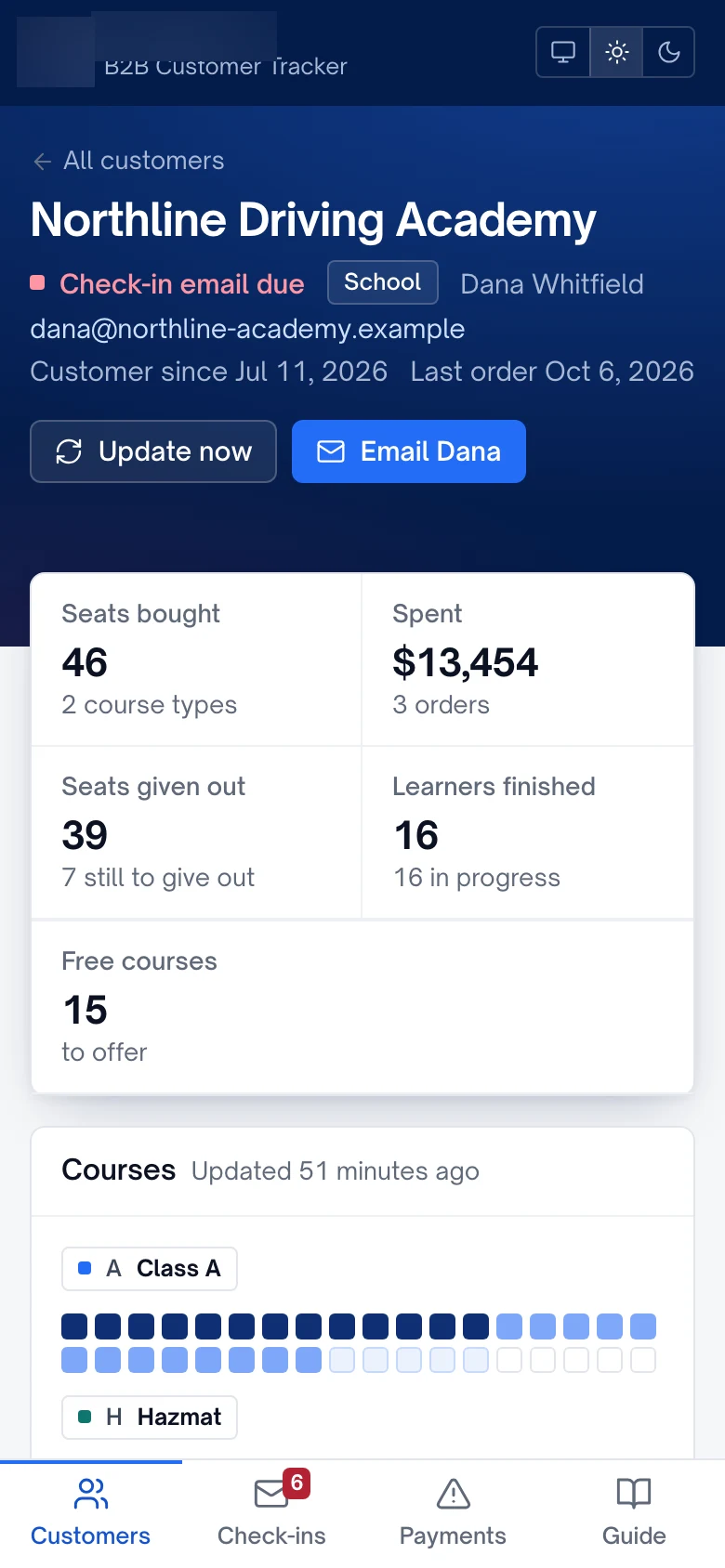
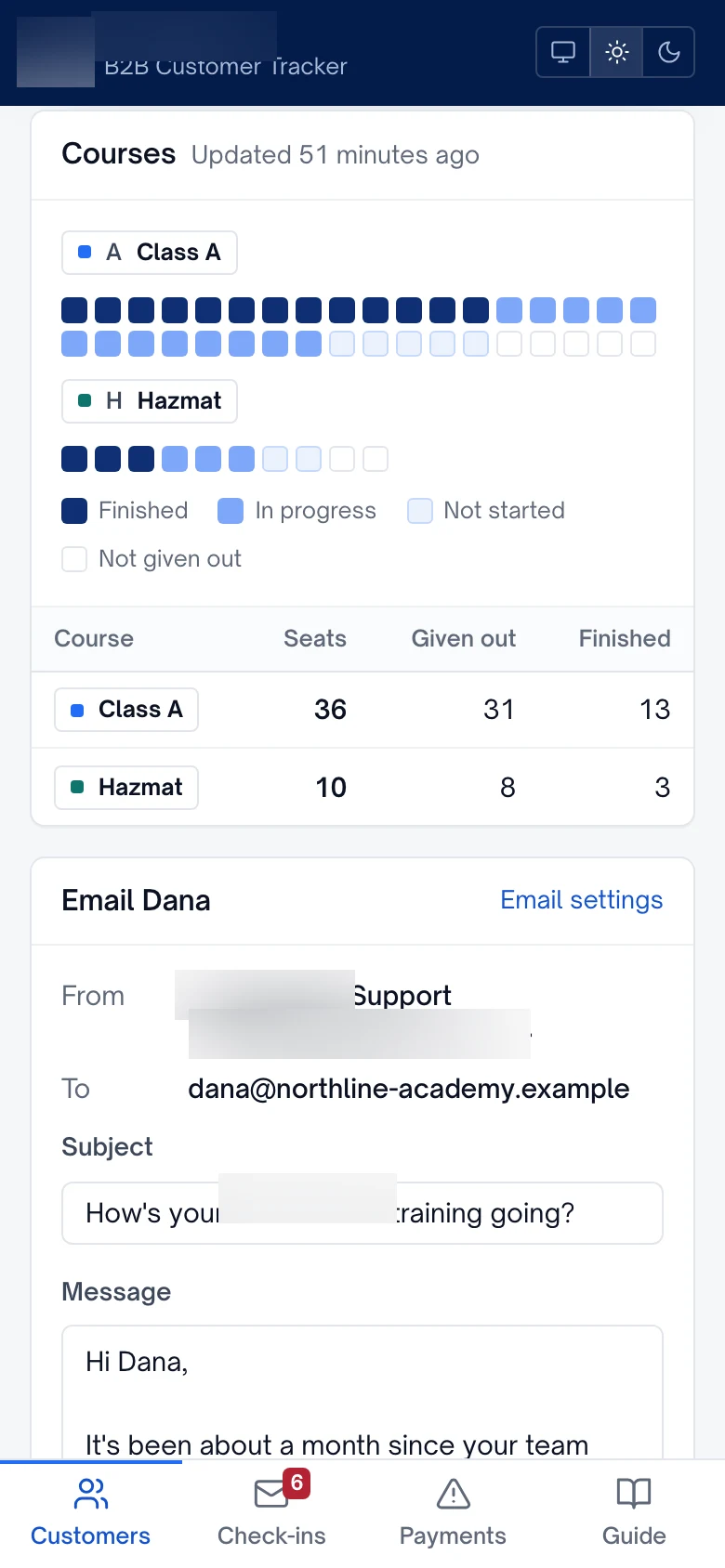
LearnWorlds holds the learning side: which learners belong to which order, which courses they're in and how far they've got. Each B2B learner is tagged with their order, so the tracker can match every seat to a school and count only the courses that school bought. It never shows more learners than seats sold.
The live checkout uses the same LearnWorlds API, and early testing ran into its rate limit. Rather than call LearnWorlds every time someone opens a page, the tracker refreshes learner progress in the background each hour at a gentle pace and keeps a cached copy. Pages load in a fraction of a second, and students buying a course are never slowed down. A later addition warns the team before the school runs out of LearnWorlds seat groups.
Check-in emails from the inbox people already use
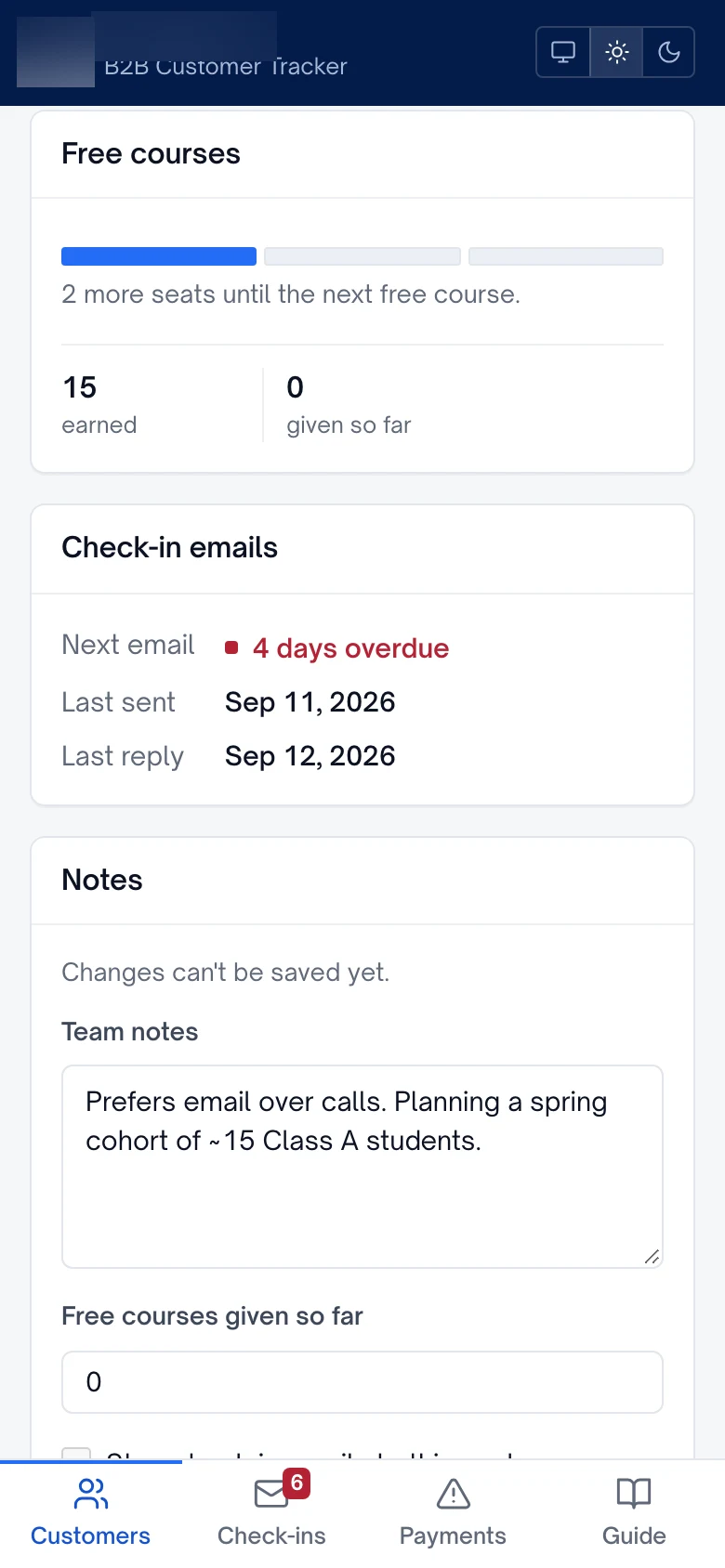
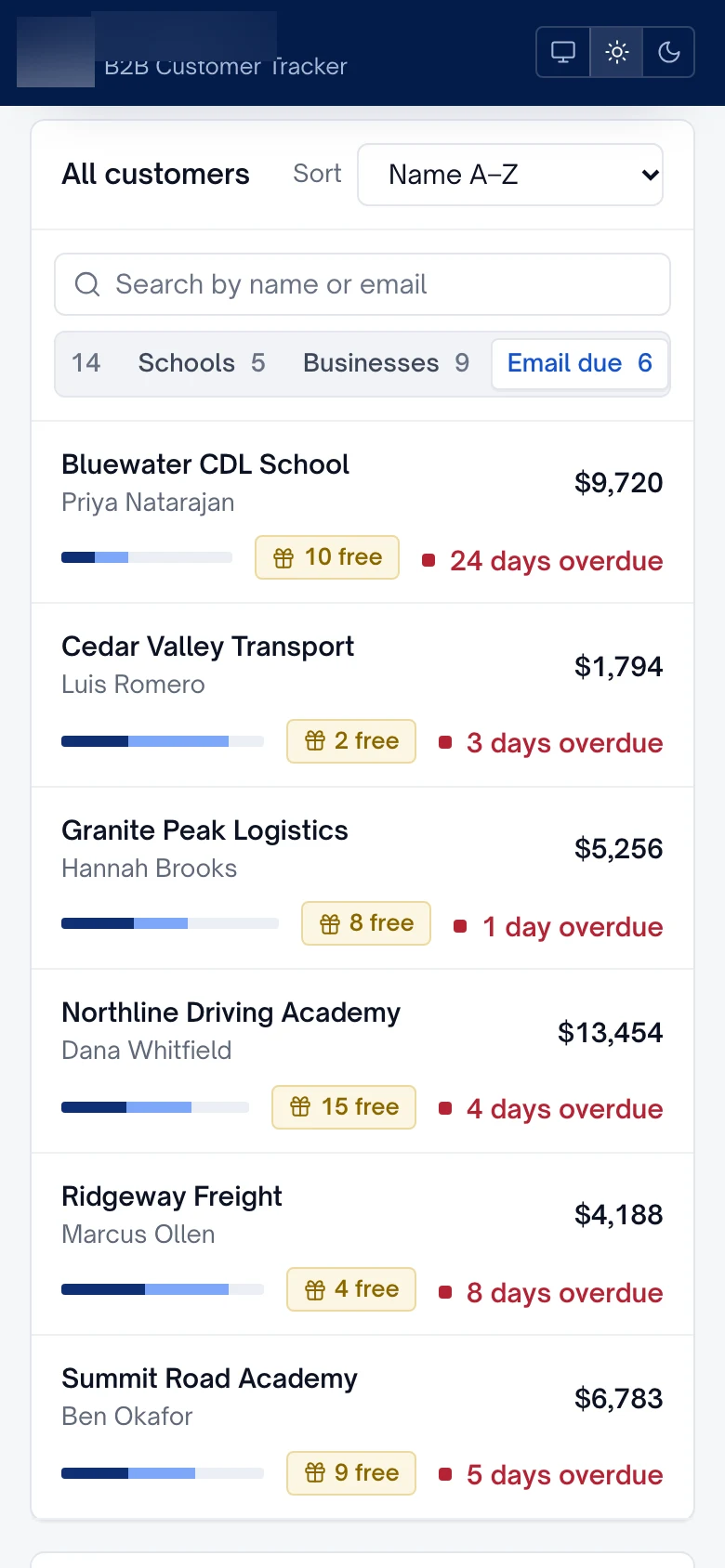
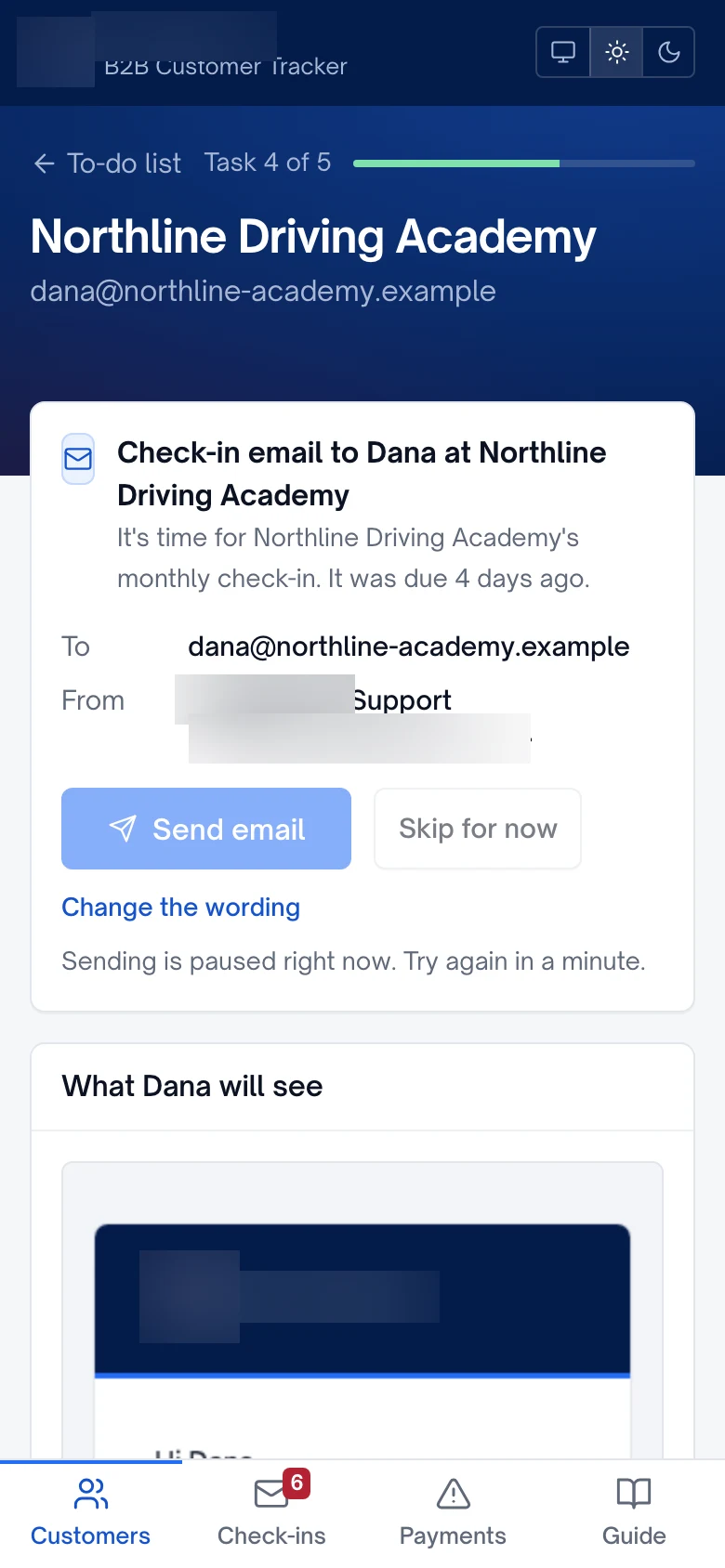
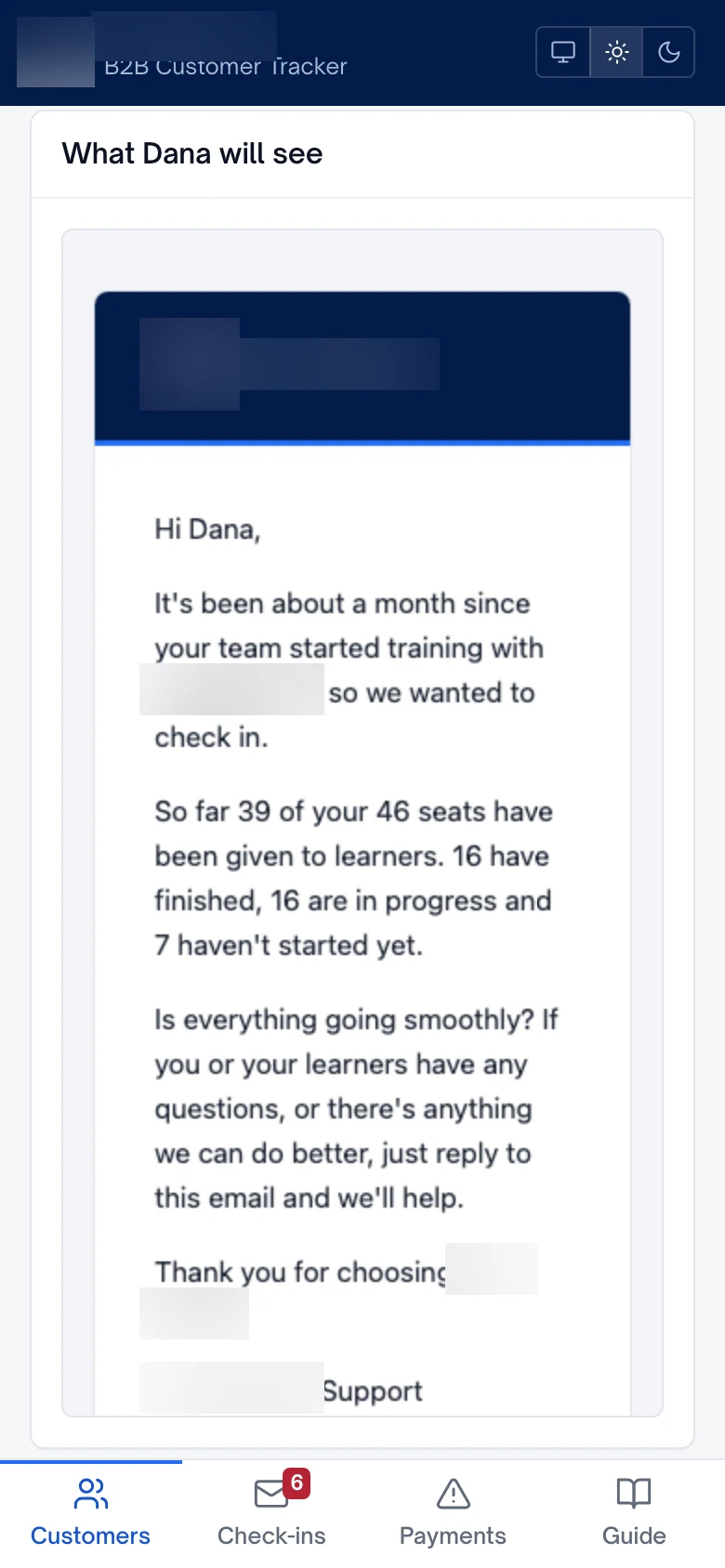
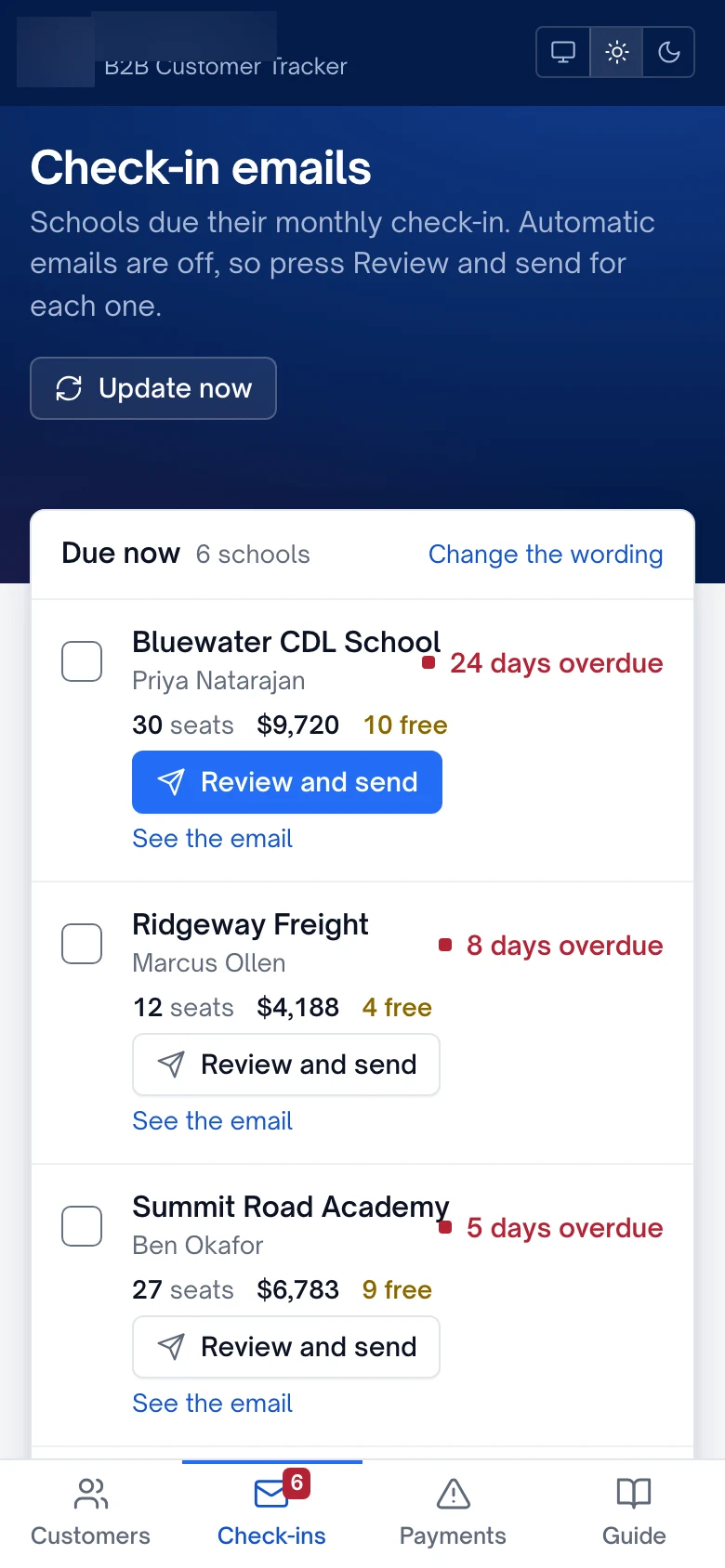
Each customer gets a check-in 30 days after their first order, then every 30 days. The emails go out through Gmail, from the company's own shared Google Workspace inbox, so replies land where the team already works. There was no personal sign-in to expire: the tracker sends through a Workspace service account the admin approves once.
Customers can reply "stop" and the tracker opts them out automatically. It reads only replies to its own check-ins, so an ordinary business email can't switch a school off by accident. A single on/off switch lets the account manager choose between fully automatic sending and reviewing each email first. It shipped switched off, in preview mode, until the client approved the wording. Three templates cover the common cases: a routine check-in, a reminder about unused seats, and a note that free courses have been earned.
Show numbers that lead to an action
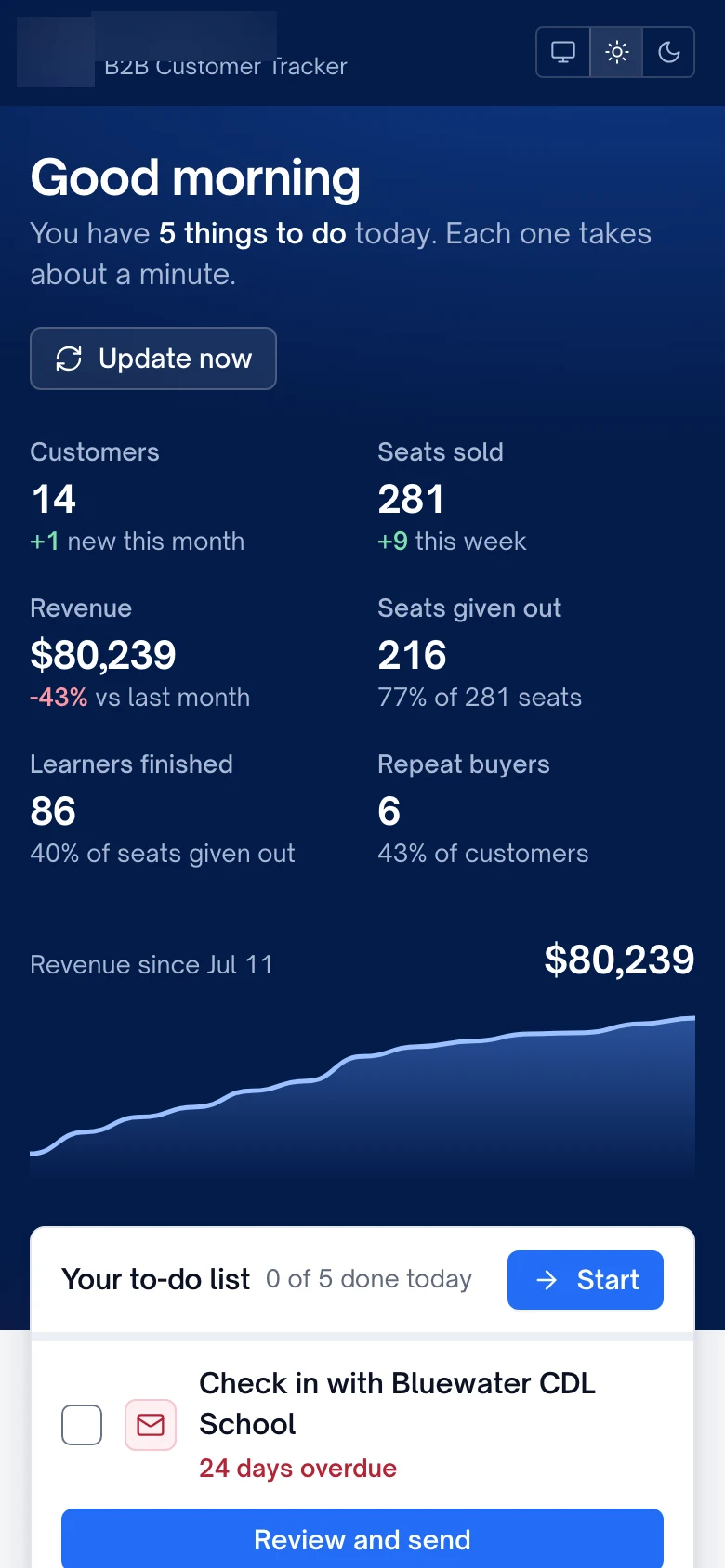
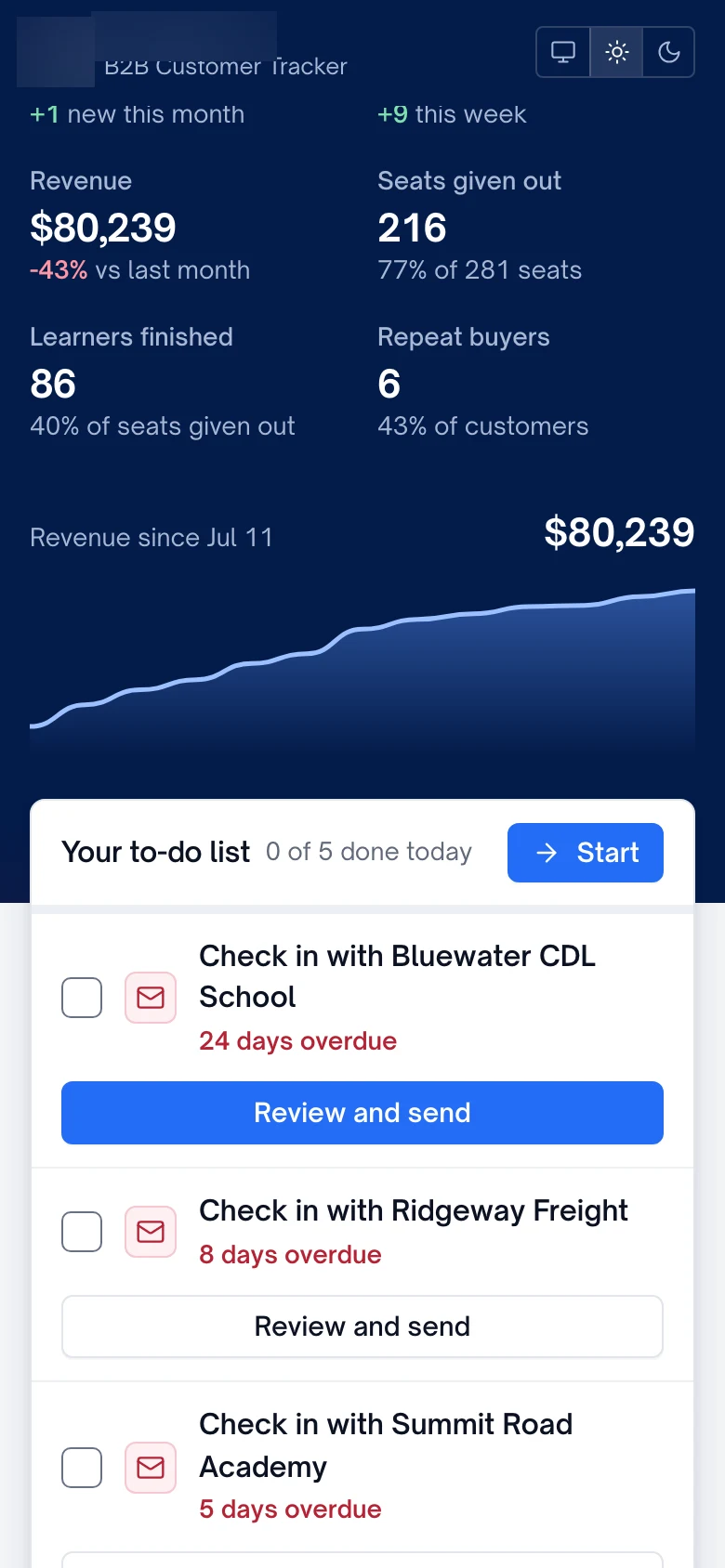
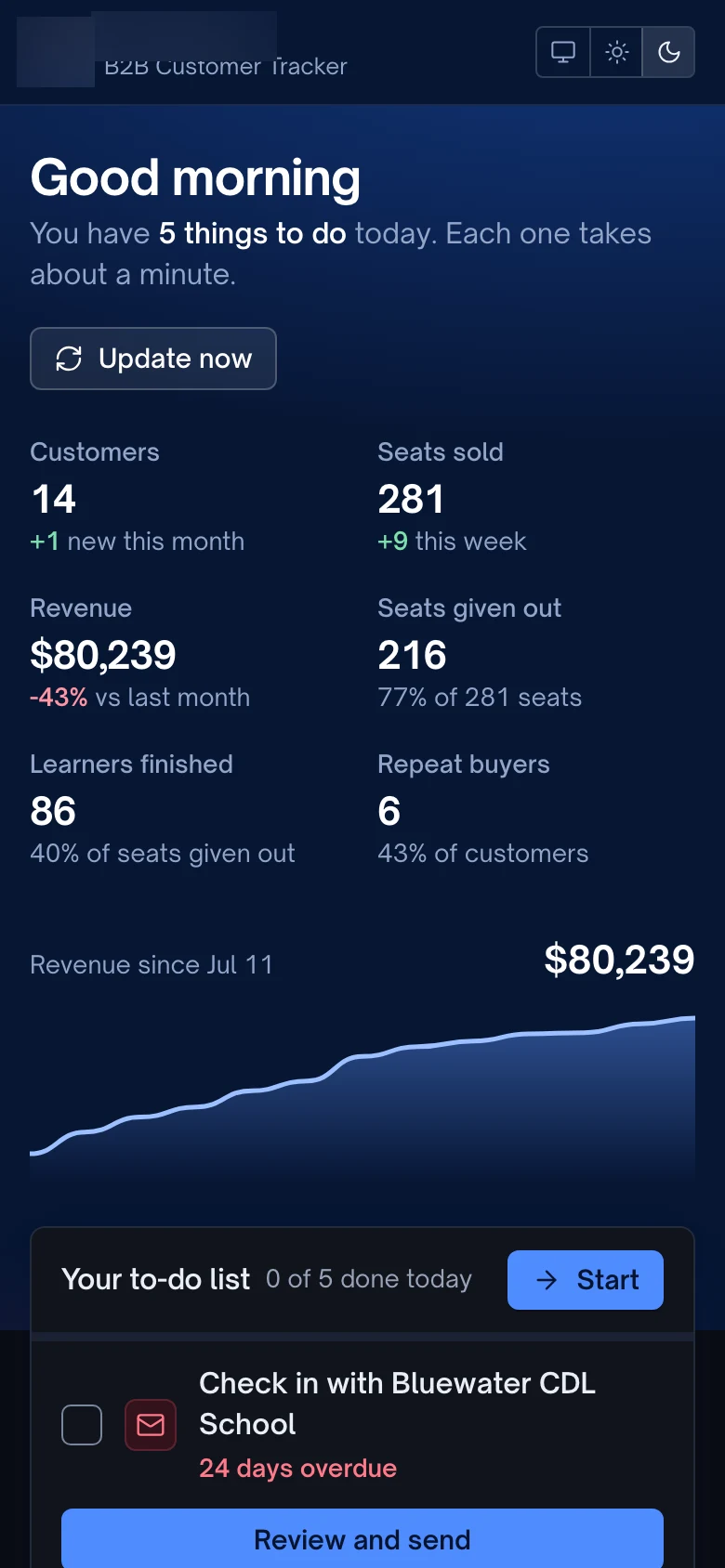
The home page opens on a short to-do list: check-ins that are due, schools with seats nobody has been given, and schools that have earned a free course. Five tasks a day, each with a tick box, and a "You're all caught up" message when the list is clear. Below it sit the totals the owner asked about most: seats sold, revenue against last month, the share of seats actually handed out, and seats sold per week.
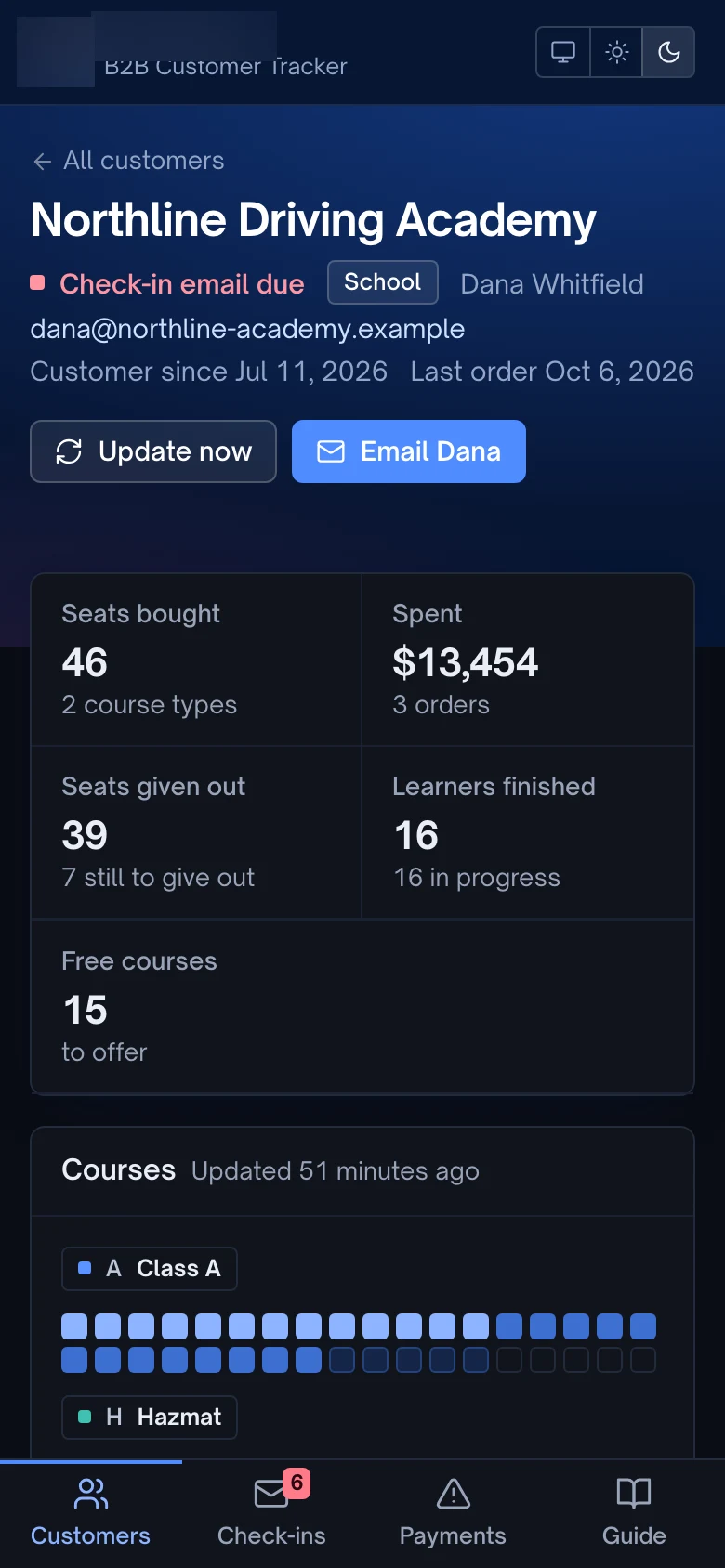
Every customer has a profile with a plain status line such as "On track" or "Needs a nudge", a seat-by-seat view of their learners, their orders after refunds, their email history and notes. Deal progress is shown the way the offer is explained to customers: buy three seats, get one course free, so the profile says "Next free in 2 seats".
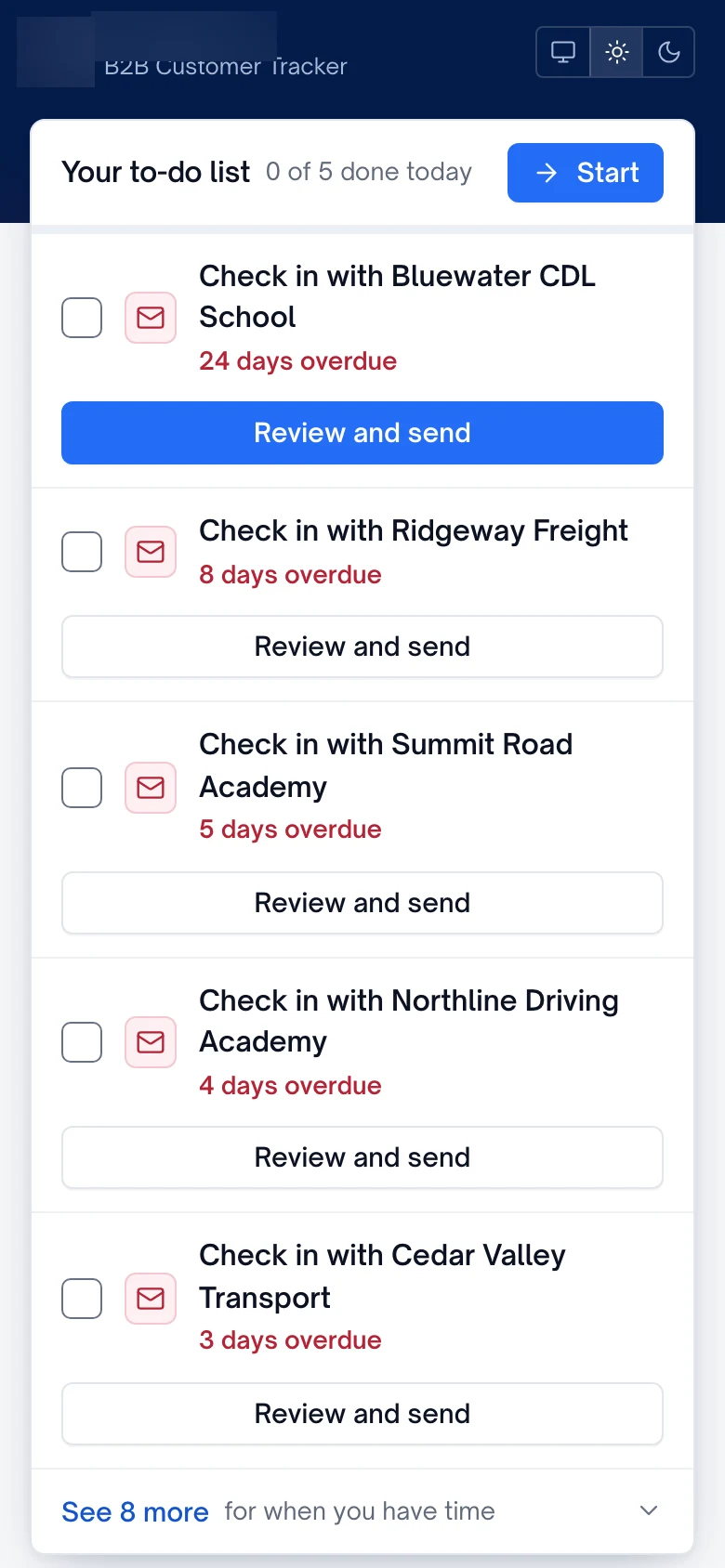
Design it for the person who opens it every morning
The person running these accounts isn't a software specialist, and the first design didn't land. The owner wanted it to look like a professional product that had been thought through. IXM put forward four visual directions and the owner chose a clean, modern dashboard in the client's own colours, logo and typeface, with square cards instead of rounded pills, light and dark modes, and a phone layout.
Then came a plain-language pass. Non-technical readers went through every screen and flagged anything confusing or cluttered, and the wording was rewritten until a third reader could follow it without help. "Refresh" became "Update now" and "Check-ins" became "Check-in emails". Small changes like those decide whether a tool gets opened every morning or quietly abandoned.
Quick audit
- Can you list every bulk customer and what they bought, A to Z?
- Do you know how many purchased seats have been handed out?
- Does every customer have a next check-in date?
- Can staff pause automatic emails without asking a developer?
- Would someone non-technical understand every label on the screen?
Sources used