

Begin with the right form
A form catalog is useful only if staff can select the right version. Practice area, matter context and client circumstances may affect which questionnaire or workbook is appropriate. The selection needs an explicit rule and a way to catch mistakes before the request goes out.
IXM’s documented Goldfarb & Luu workspace groups forms and workbooks around a selected matter. Conditional variants, section navigation and progress tracking support the collection process. The operational aim is to keep the request connected to the right matter, rather than leaving staff to reconstruct that context from an email chain.
Make the client handoff trackable
Staff need to know which link was prepared, whether it was sent and what came back. A tracked request record gives those events a place to live. It also helps distinguish a client who has not responded from a response that is waiting for internal review.
The documented workspace prepares editable email drafts and sends form links through an Outlook connection using Microsoft Graph. Staff can review the message before sending. That distinction matters: generating a draft is not the same as sending it, and sending a link is not proof that the client completed the form.
Validate answers without pretending to review them
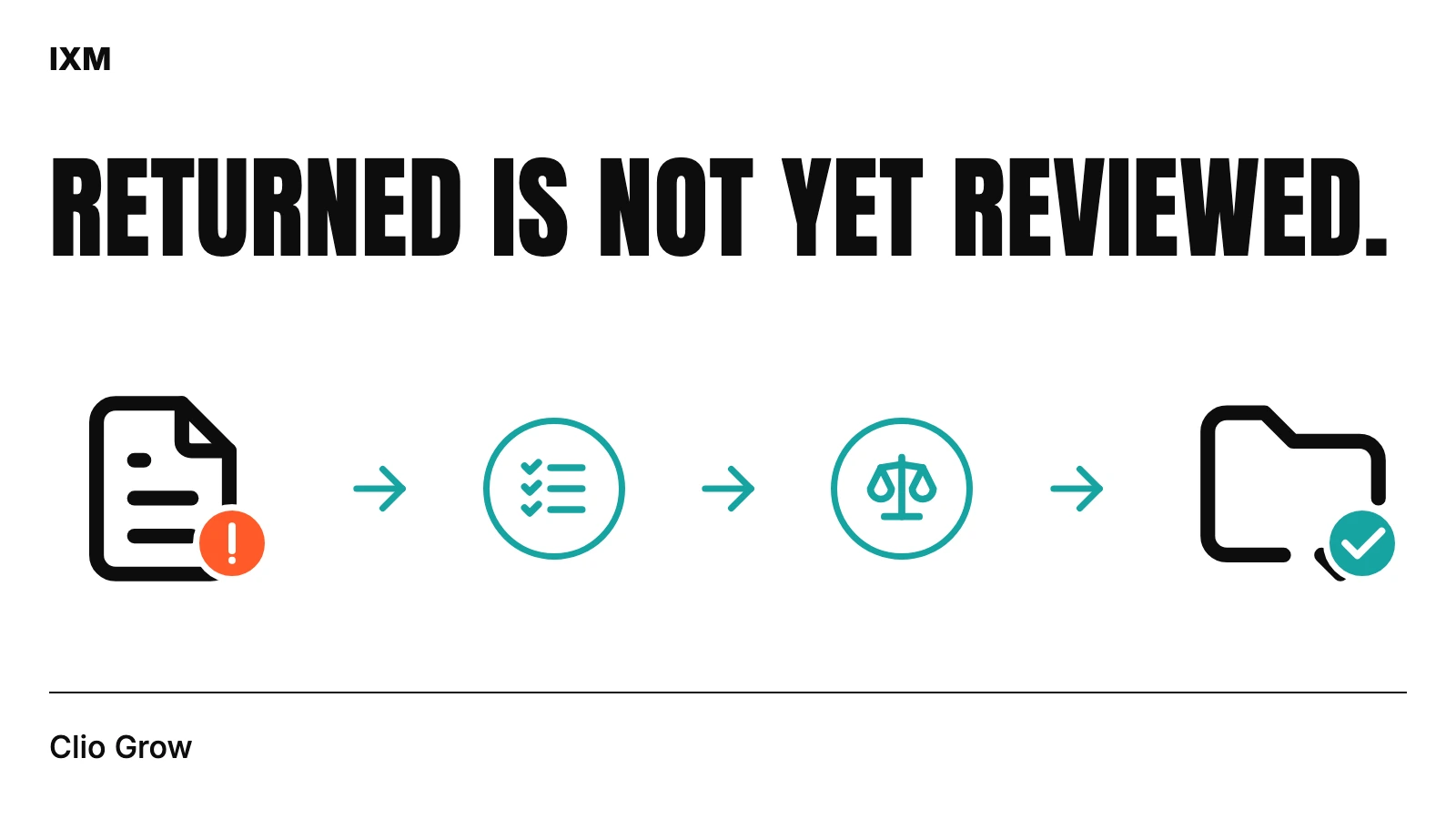
Required-field checks can identify omissions and conditional forms can ask relevant follow-up questions. They cannot establish that every answer is correct or that professional review is complete. Label the difference between a form that passed validation and a matter that has been reviewed.
The workflow records progress and submission status, then gives staff a review step. A practical status vocabulary might include requested, submitted, awaiting review and needs follow-up. These labels are an example to adapt with the firm, not a claim that every Clio account uses the same states.
Ask for what is still missing
A second generic questionnaire can frustrate a client who already supplied most of the information. A more useful follow-up identifies what remains missing in the relevant forms and what the review requires. Staff should be able to inspect that request and adjust the wording before sending.
The supplied Goldfarb & Luu test-matter screen shows a homework workflow alongside client forms, attorney forms and emails. Homework preparation stays locked until staff confirms the engagement agreement is signed. That is a staff confirmation step; the screenshot does not establish independent signature verification.
Review the proposed Clio changes
Returned information may need to update a matter field, resolve a contact or leave a value unchanged. These are different actions. A useful preparation step shows proposed updates, possible creates and skipped items, then requires a separate confirmation for supported changes.
The project documentation describes contact-aware mapping and duplicate checks. It also records remaining field-by-field validation for some contact-profile writes. That boundary belongs in a responsible scope: connecting intake does not mean every answer can be written to every Clio field without further work.
Keep the process attached to the matter
The workspace brings forms, review, homework and communication status into the selected matter’s flow. The value is the relationship between those steps: staff can see what came back, what still needs attention and which update is being proposed. It does not remove the need for someone to own review.
The source documentation carries a Daylite-to-Clio project label, but it explicitly says the reviewed implementation does not include a direct Daylite API connector. The case study therefore describes the demonstrated Clio intake workspace. For a new project, specify migration work separately from ongoing forms, review and synchronization.
Quick audit
- How is the correct form variant selected?
- Can staff distinguish submission from review?
- Who owns missing-information follow-up?
- Is the engagement step confirmed before homework preparation?
- Are proposed creates, updates and skipped fields visible?
Sources used