

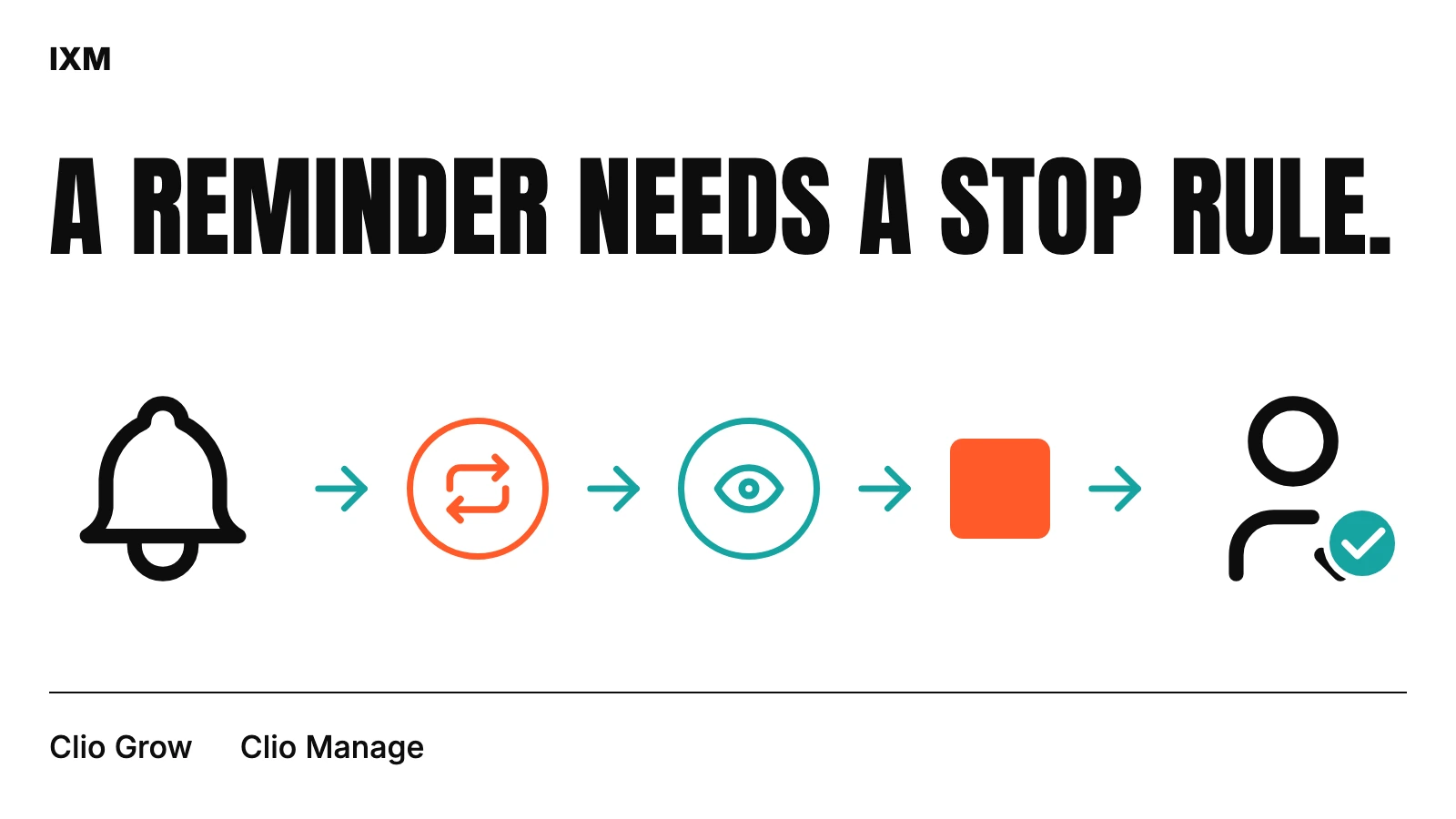
A trigger is only the beginning
“Send a reminder every few days” leaves several questions open. Which record identifies the request? What counts as completion? Does an attorney review need to happen first? Who receives an escalation? The trigger tells the system when to look; it does not establish that a message is still appropriate.
In the documented HeberHan service, the workflow reads current dates, form or document status, existing tasks and prior actions before deciding what is due. That gives the rule more context than a timer alone. It also makes the intended action easier for staff to explain.
Write the stop condition first
Use a simple fictional example: a form request is pending, a reminder is due, and staff later records that the form is complete. The completion condition should stop the reminder path even if a scheduled check runs again. If completion requires review rather than receipt, state that distinction explicitly.
The same discipline applies to signatures and authorization steps. A received document, a reviewed document and a completed downstream transmission are different states. Treating them as interchangeable can advance work too early. The firm should own these definitions; the developer translates agreed rules into the system.
Let people inspect proposed actions
A preview should show what the rule would do without carrying it out. That might be a task, calendar item, reminder or configured external action. Staff can then compare the proposal with the source record and decide whether the rule matches their process.
IXM’s HeberHan implementation separates previews from writes and uses independent controls for live actions. That separation makes it possible to examine a branch without assuming that viewing it authorizes execution. The communications provider has its own controls, so approval of a Clio update is not treated as blanket approval of a fax action.
Expect repeated events
The same event can be seen more than once, and a scheduled check may revisit work that was already handled. Before creating another task or transmission attempt, check the current source state and the record of previous actions. Decide what identifies “the same work” for that workflow.
The documented service uses existing-task checks and duplicate-prevention records. This is a practical control against repeated work, not a promise that every possible failure has been eliminated. Staff still need a way to see exceptions and investigate an outcome that does not match expectations.
Give exceptions an owner
A failed transmission and an incomplete source record should not disappear into one generic error count. One may need a provider check; the other may need a staff correction. Define what the team can see, when a retry is permitted and when a person should take over.
The HeberHan dashboard includes authorization status and follow-up surfaces. Its supplied screenshot shows an empty queue, which demonstrates the interface layout but says nothing about processing volume. The documentation records a fax failure branch exercised in preview; it does not establish an observed live failed-fax event.
Review the workflow as a team
Before enabling a rule, walk through pending, completed, duplicate and incomplete examples. Ask staff to explain the proposed action in plain language. If the team cannot tell why the system wants to act, the preview needs more context or the rule needs revision.
A useful handover records the trigger, completion condition, action, approval requirement, duplicate check, exception owner and stop rule. Configured deadlines should be reviewed against the firm’s requirements; automation does not make a timing rule correct simply by applying it consistently. Start with one bounded workflow and expand after the team can operate it confidently.
Quick audit
- What makes an action due?
- What status stops further reminders?
- Can staff inspect the proposed action?
- How is repeated work identified?
- Who handles incomplete records and provider exceptions?
Sources used