

Give each system a job
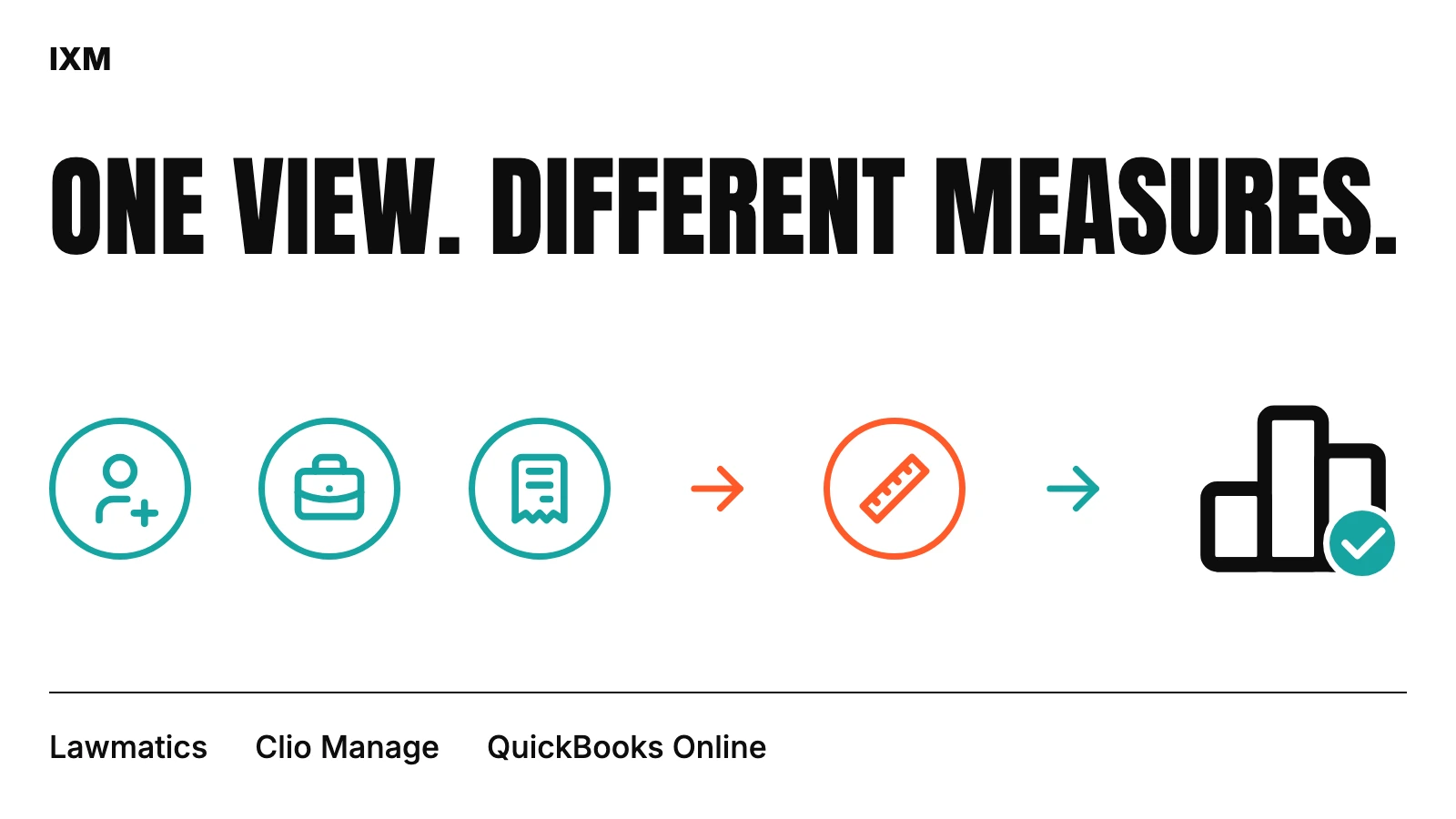
In IXM’s documented multi-provider reporting project, Lawmatics supplies intake events, Clio Manage supplies matter and activity information, and QuickBooks Online supplies accounting reports. The dashboard prepares these as separate source-aware datasets rather than immediately flattening them into one total.
That division is specific to the reporting design. Your firm should agree its own source-of-truth map with the people who understand the systems. Record where each measure comes from, who maintains that source and what the report is intended to answer. A shared screen does not make all underlying records interchangeable.
Count the event you actually mean
An inquiry, a qualified lead, a scheduled consultation and a held consultation are different events. A submitted form alone cannot establish that an appointment happened. An intake funnel needs clear rules for status, dates and duplicate events before its conversion measures are useful.
The documented project checks event type and status when calculating consultation and stage measures. It also tracks movement between defined stages. These choices matter because a change to the definition can alter the report even when the underlying business activity has not changed.
Separate work, billing and accounting
Billable activity, an invoice, a payment allocation and an accounting revenue line describe different parts of the practice. Comparing their totals requires agreed definitions. A financial reviewer should help establish which measures are comparable and which belong side by side with different labels.
In the documented implementation, collections use dated valid payment allocations to revenue invoices, with exclusions for trust requests, voided payments and credit-only records. That is a description of the project’s calculation rule, not universal accounting guidance. The dashboard labels accounting totals separately from Clio payment activity instead of forcing them to agree.
Align the period and check freshness
A monthly report needs to say which date places a record in the month. A lead-created date and a retained date answer different intake questions. An activity date and a payment date answer different operating questions. Showing the same calendar range in two tools does not guarantee that they applied it to the same event.
Freshness is a separate concern. One source may have refreshed while another is waiting. The project displays source status alongside date-filtered reports. A reader should be able to distinguish a current result from a cached result without inspecting an integration log.
Keep exports and review aligned
When a manager exports a filtered report, the file should retain the selected period and relevant context. The project supports CSV and PDF exports, along with paginated details and source indicators. Those details help the report remain understandable after it leaves the dashboard.
The lesson from this reporting implementation is practical: assign source roles, define events, distinguish measures and surface unresolved differences. Start a reporting review with those definitions, then investigate any remaining discrepancy with the firm’s finance and operations owners.
Quick audit
- Which system owns each measure?
- What event and date include a record?
- Are compared totals defined the same way?
- How fresh is each source?
- Are missing reports and proxies labelled?
- Does the export preserve the review context?
Sources used