

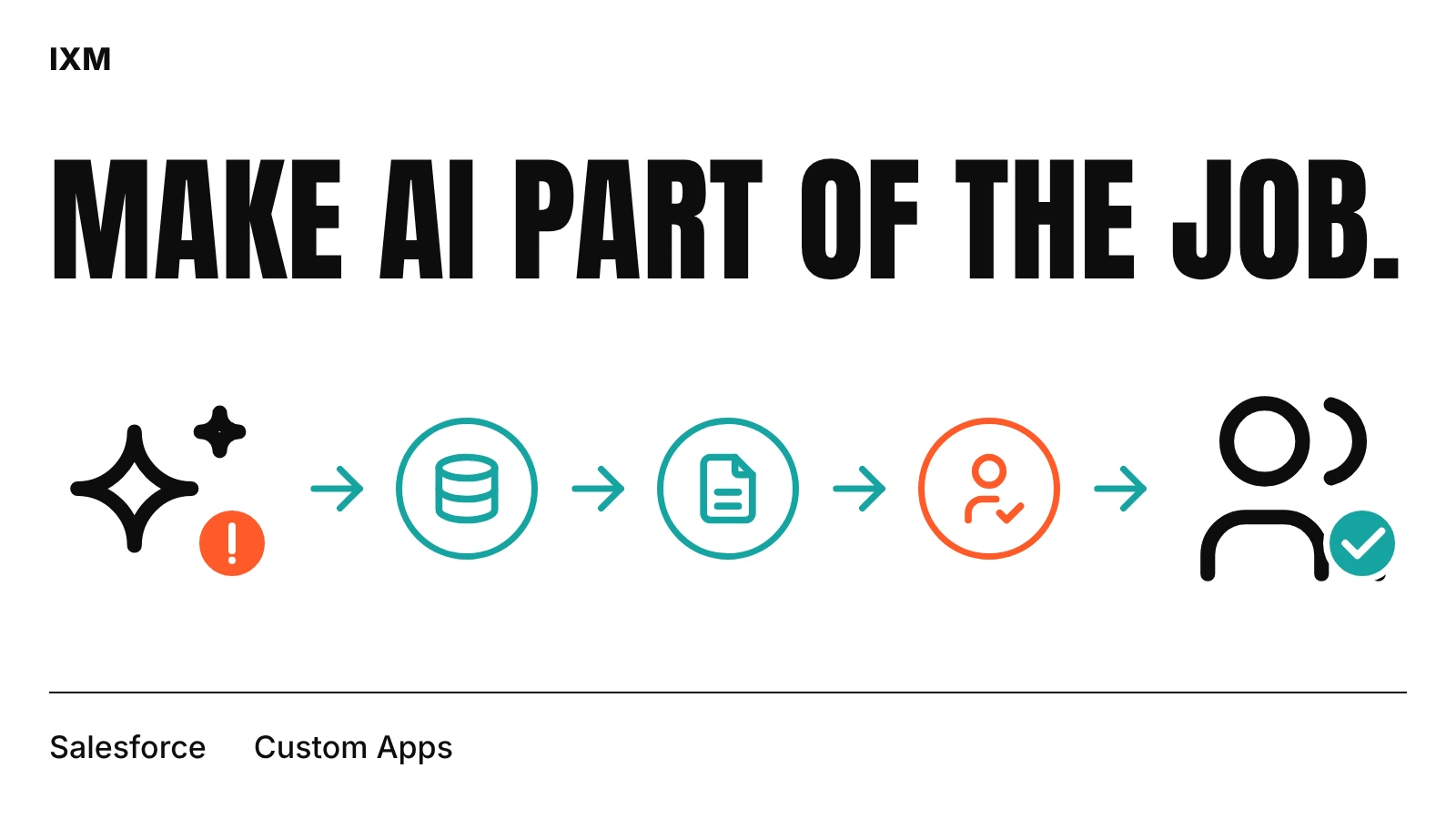
Switched on is not the same as useful
A feature in a menu nobody opens does not save anyone time. Your staff already have a way of handling an enquiry or a follow-up that works well enough. If the AI adds a click, a new tab or a step they have to remember, the old habit wins.
Start with one task people do every day and dislike, such as summarising a long case history or drafting a follow-up email. Ask the people doing that task what would actually help. Their answer is a better brief than the feature list.
Fit it to the record they already open
IXM supported Essence Consulting with AI-assisted workflows inside Salesforce and custom apps built around the team's internal processes. The aim was to fit the system to how the team really worked day to day, not to add another place to visit.
Put the summary, suggestion or draft on the record page or in the step where the decision is made. If someone has to go looking for it, most people won't.
Bad records make the AI look bad
AI can only work with what is in the record. Empty fields, duplicate contacts and notes stored somewhere else lead to vague answers, and after a few vague answers people stop asking. Clean up the fields the task depends on before you judge the tool.
Agree who checks the output before it reaches a customer, and track two things: time saved and corrections needed. For a sales or service team in Trinidad and Tobago, a short trial with real records will tell you more than a vendor demo.
Quick audit
- Can you name the one task the AI should help with?
- Does the help appear where staff already work?
- Are the fields it reads complete and current?
- Who reviews the output before a customer sees it?
Sources used