

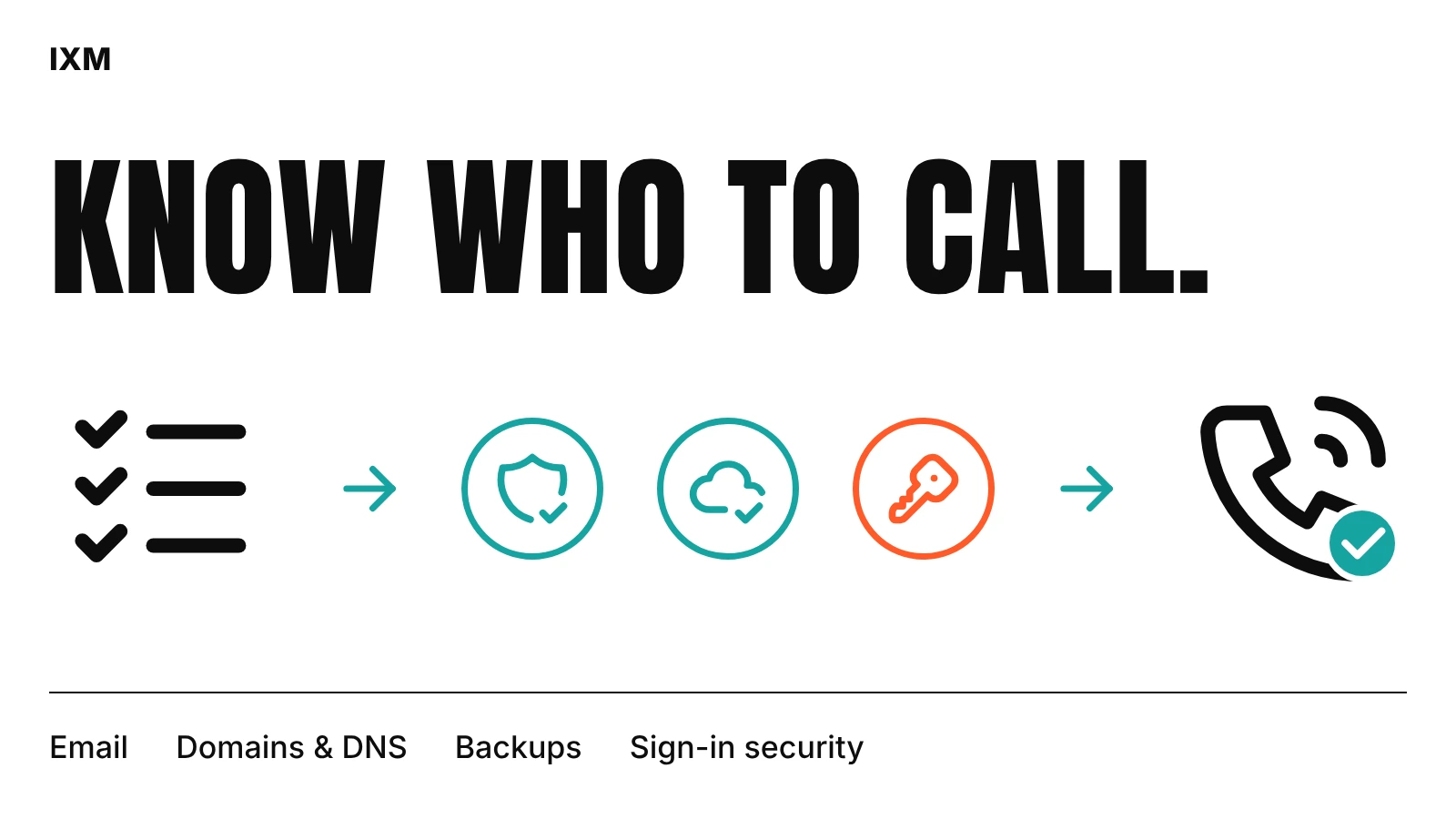
List what the business depends on
Write down your domain, email, website, shared files, accounting software and any booking or CRM tools. For each one, note who the admin is, which email address owns it and when it renews.
This one page answers most emergency questions. When the website goes down, the first thing anyone needs to know is who controls the domain and hosting.
Protect the accounts before buying gadgets
Turn on two-step sign-in for email and every admin account. Use a password manager instead of a shared spreadsheet. When someone leaves, remove their access the same day and move anything they owned to a business account.
Back up the files you can't afford to lose, and test a restore at least once. A backup you have never restored is only a hope.
Decide who gets the call
Agree who to contact when something breaks, what counts as urgent, and what is covered. That might be ad hoc help for broken forms, email and DNS problems, or a monthly arrangement for updates and small fixes.
Ask for notes on every fix: what broke, what was changed and what still needs attention. For small businesses in Trinidad and Tobago, a support partner who leaves clear notes is easier to work with than one whose fixes nobody else understands.
Quick audit
- Every important account has a named owner and renewal date.
- Email and admin accounts use two-step sign-in.
- Departing staff lose access the same day.
- Backups have been restored at least once.
- Everyone knows who to call and what is urgent.
Sources used